Best learning management systems in 2026: how to choose
The corporate learning management system market is growing fast. Forecasts take it from $28.6 billion in 2025 to $34.1 billion in 2026. The corporate segment grows even faster, at 22.9% a year. The pressure behind that spend is real. In LinkedIn’s 2025 Workplace Learning Report, nearly half of L&D professionals say their executives worry about a skills gap. They fear employees cannot execute the business strategy.
So more platforms are competing for your budget than ever, and telling them apart has never been harder. Most "best learning management system" lists rank platforms on feature count, which helps, but only answers part of what you are trying to do.
What a learning management system does, and what it does not
Getting training to work involves three jobs. First, delivering and tracking it, which is the job an LMS does, and the one this guide will help you buy for. Second, creating the courses that go into it, because an LMS delivers training but does not build it. Third, reaching every person who needs it. Many corporate systems are built for employees with a company login, and stop there. Choosing a platform settles the first job. The other two are still yours to solve.
This guide reviews the 10 best LMS platforms in 2026, then covers how to choose between them and what to do about the other two jobs.
How to read this list
There is no single winner here, and any article that crowns one is guessing about your situation. The ten platforms below are among the most established learning management systems on the market, and each of them is the right answer for a different kind of team.
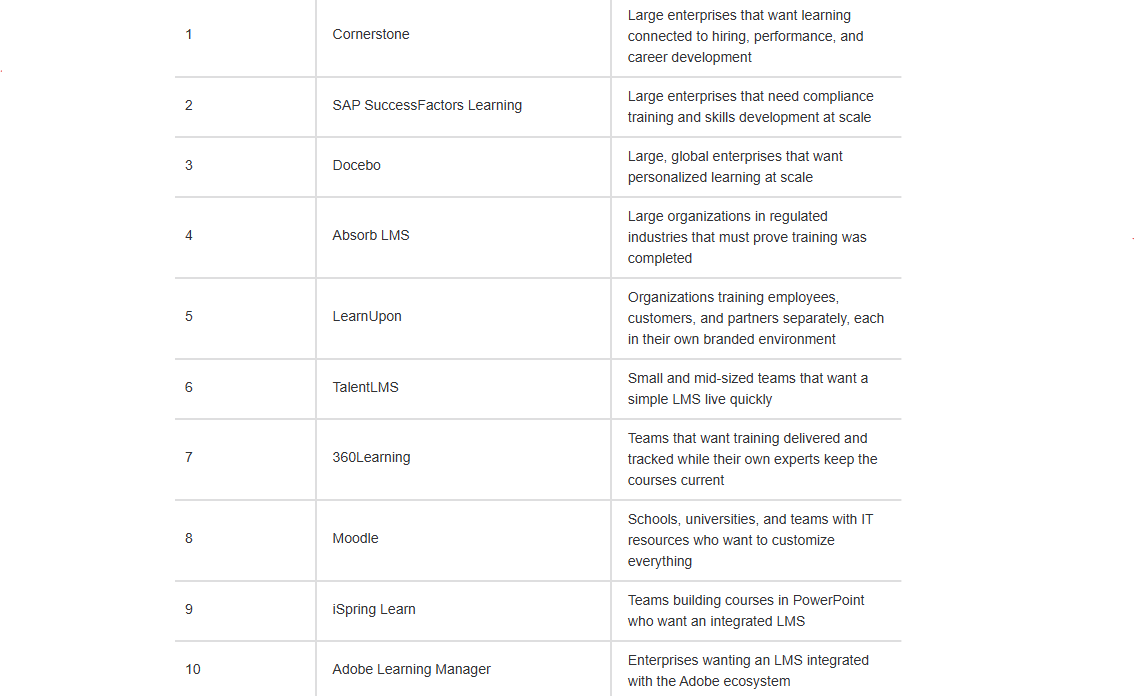
So rather than rank them from best to worst, the table uses each vendor’s own terms. It shows the job each platform targets and what kind of system it is. Find the row that sounds most like your organization, then read that platform’s full review underneath. Keep your own learners in mind as you scan it, because who you need to train is what decides which of these will actually work for you.
The 10 best learning management systems in 2026 at a glance
The 10 best LMS platforms, reviewed
1. Cornerstone
Cornerstone connects learning to the wider employee lifecycle. Training sits alongside hiring, performance reviews, and career development in one system. It is built for large organizations and uses quote-based pricing.
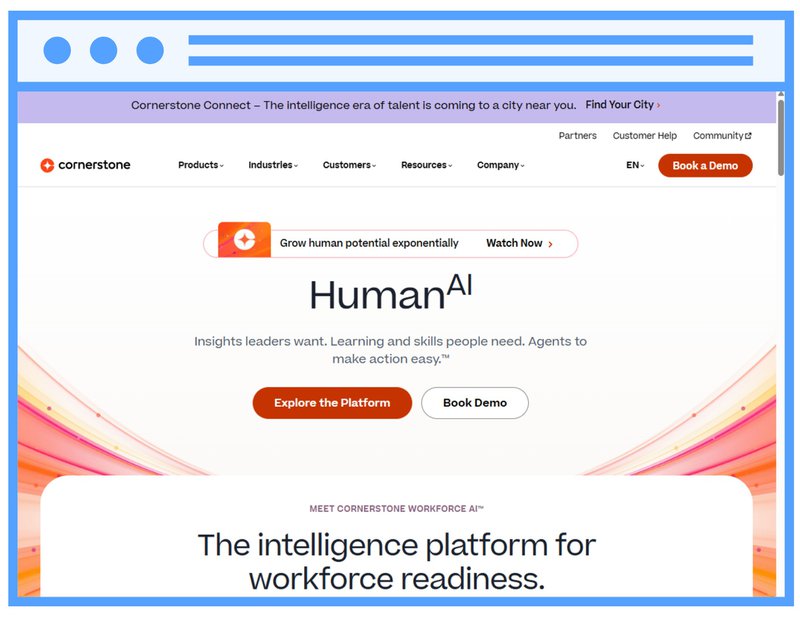
Best for: large enterprises that want learning connected to hiring, performance, and career development.
2. SAP SuccessFactors Learning
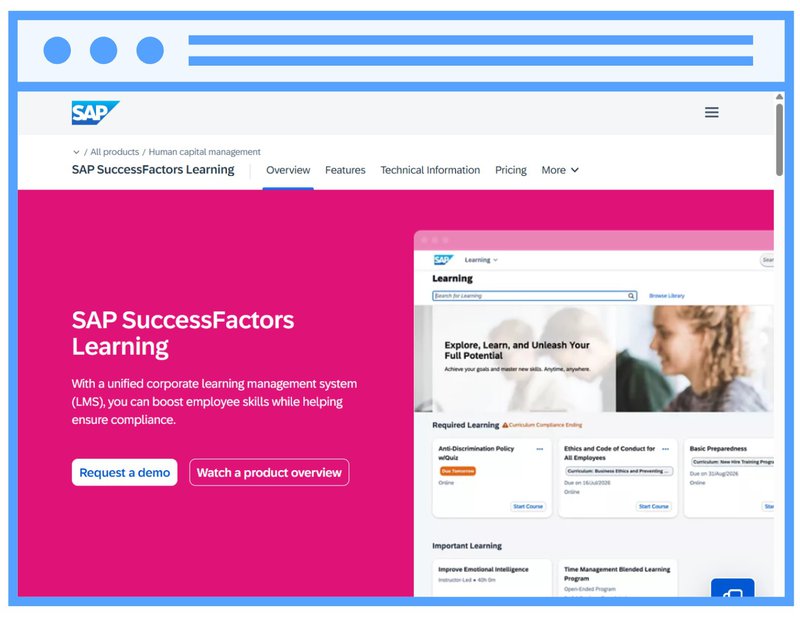
SAP SuccessFactors Learning is a cloud-based corporate LMS for managing compliance training, building skills, and developing people. The platform runs as a standalone solution or as part of the SAP SuccessFactors HCM suite, so learning can sit alongside onboarding and succession in the same system. It automates training assignments to lower compliance risk, supports e-signatures and compliance reporting, and offers a validated SaaS environment for regulated industries such as life sciences. It also supports training external audiences, and pricing is quote-based.
Best for: large enterprises that need compliance training and skills development at scale, whether or not they already run SAP.
3. Docebo
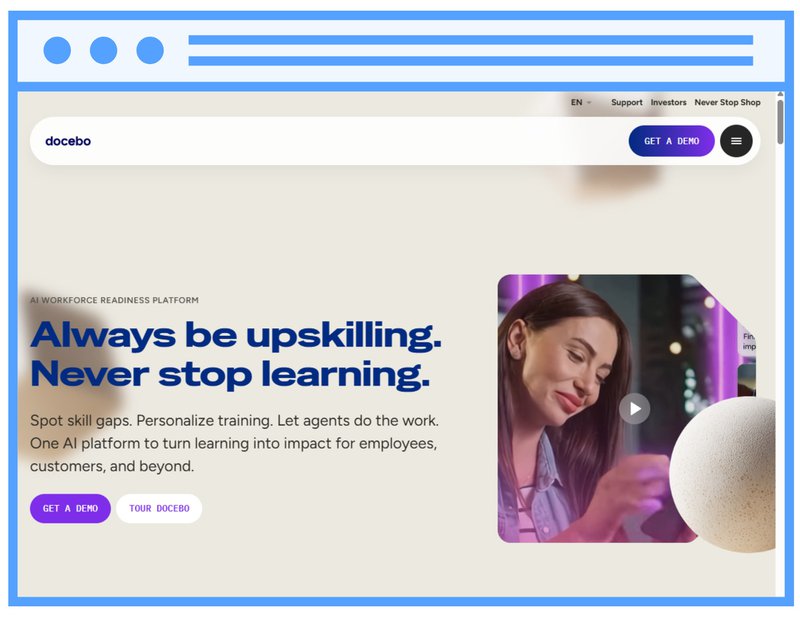
Docebo is an enterprise learning platform built for global organizations. It uses AI to personalize what each learner sees across employees, customers, and partners. Course creation runs through its own tools or a separate authoring tool, and pricing is quote-based.
Best for: large, global enterprises that want personalized learning at scale.
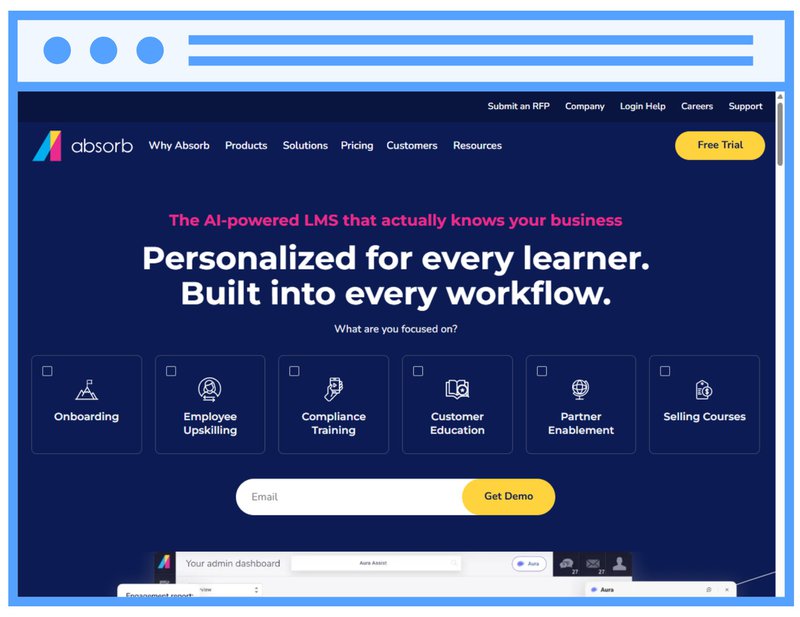
4. Absorb LMS
Absorb LMS is an enterprise platform used by organizations that have to prove training happened. You can run separate, branded training environments for employees, customers, and partners. Each one has its own look and its own reporting. Its automation and reporting are built so that training records hold up when an auditor asks for them. Absorb does not publish prices; you request a quote.
Best for: large organizations in regulated industries, such as healthcare, finance, and manufacturing, that must document and prove training completion.
5. LearnUpon
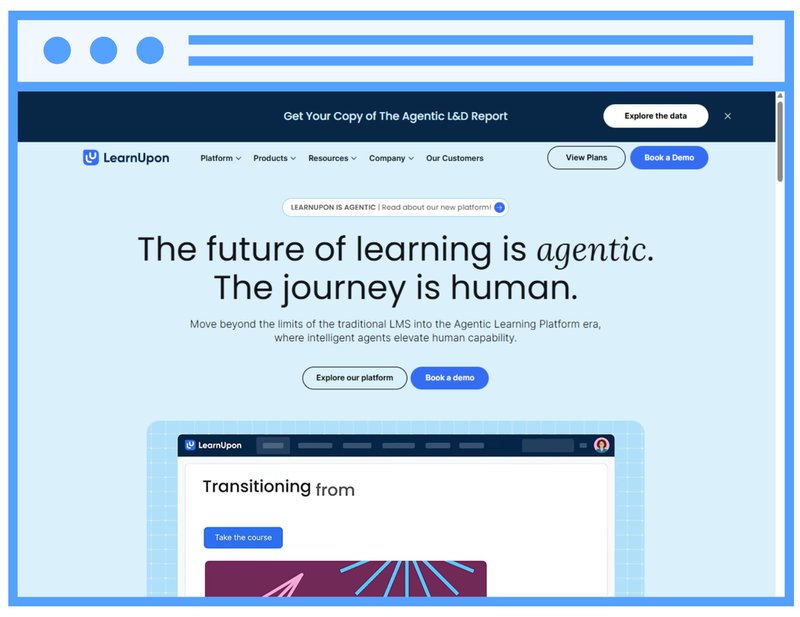
LearnUpon centers on portals, which are separate branded environments inside one system. Each audience gets its own space, content, and reporting, while you administer everything centrally. Organizations that train several groups at once tend to shortlist it for that reason.
Best for: organizations training employees, customers, and partners separately, each in their own branded environment.
6. TalentLMS
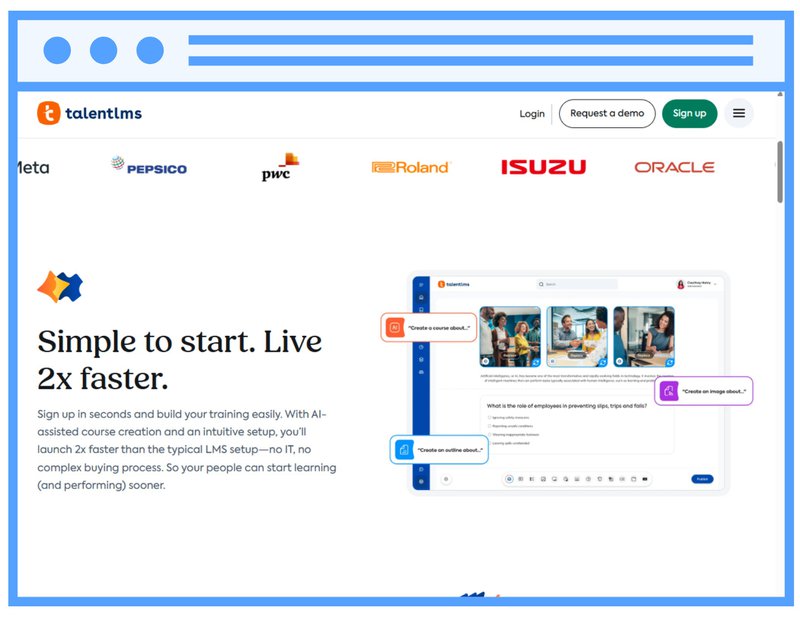
TalentLMS is a cloud-based learning management system for growing teams. It offers a free tier, an AI-assisted course builder, and a library of ready-made courses for onboarding and compliance training. It is designed to be set up without technical help, which makes it a common starting point for teams without a dedicated L&D department.
Best for: small and mid-sized teams that want a straightforward LMS live quickly.
7. Litmos
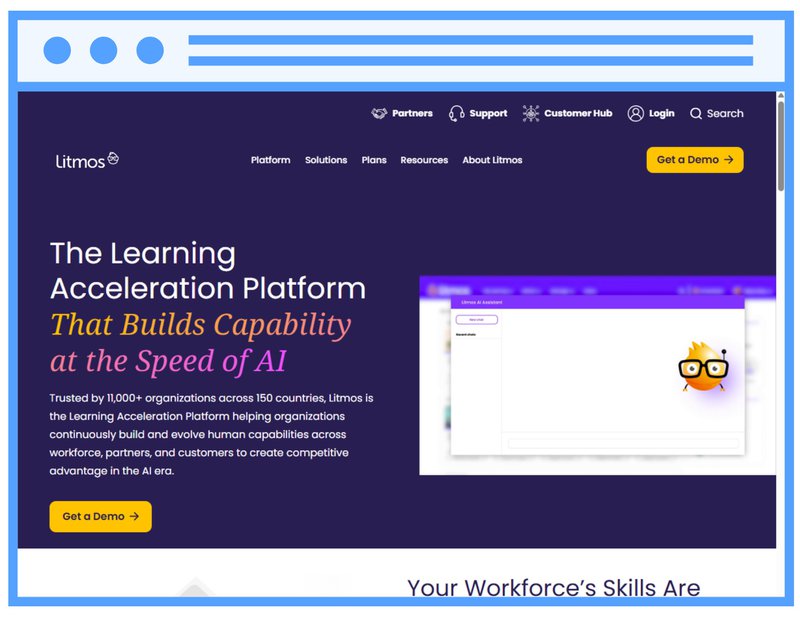
Litmos serves large, distributed workforces and includes a library of ready-made courses for compliance training, with automated assignment, renewal reminders, and audit-ready reporting.
Best for: compliance training across large, distributed workforces.
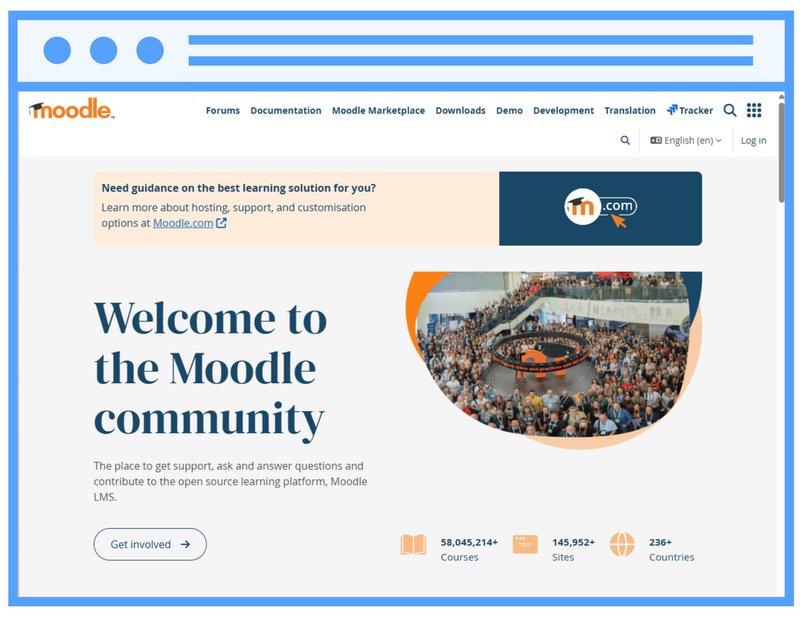
8. Moodle
Moodle is an open-source learning management system. A global community maintains it, and a large plugin ecosystem makes it customizable. The core software is free, and you handle hosting and maintenance yourself or through an implementation partner. It has its roots in education and is widely used by schools and universities.
Best for: schools, universities, and teams with IT resources who want to customize everything.
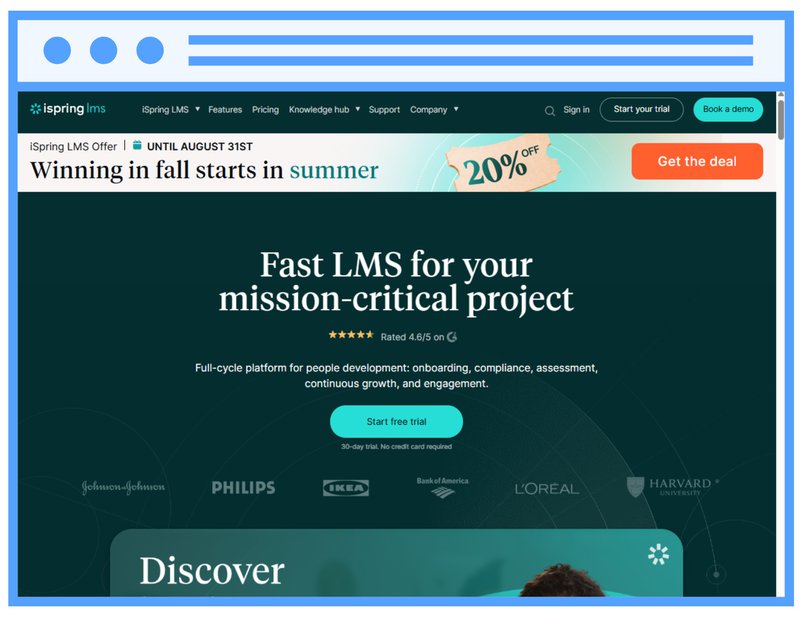
9. iSpring Learn
iSpring Learn is the company’s learning management system, and it pairs with iSpring Suite, a separate PowerPoint-based authoring tool, so teams can build interactive courses from slides and then host and track them in one ecosystem. It includes a mobile app with offline access and publishes per-user pricing on its site.
Best for: teams that build courses in PowerPoint and want an integrated LMS to host and track them.
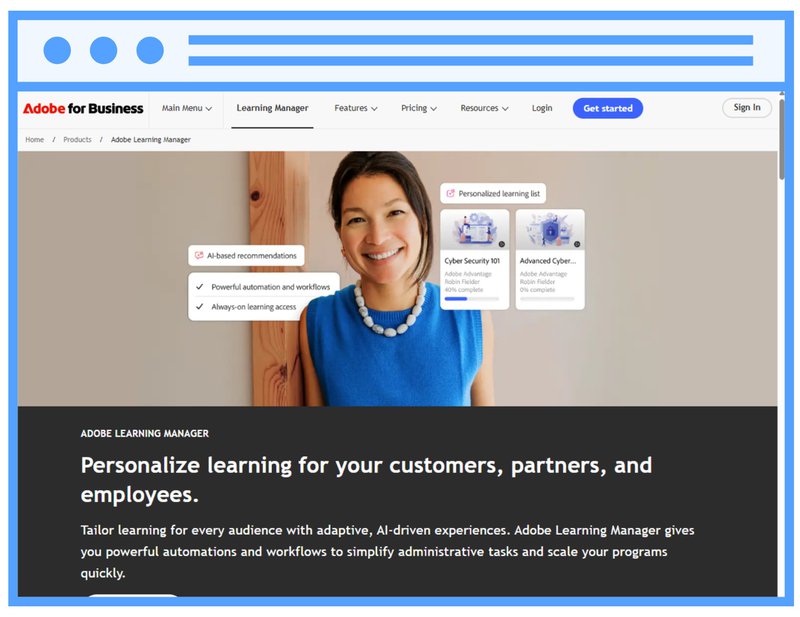
10. Adobe Learning Manager
Adobe Learning Manager, formerly Adobe Captivate Prime, is a cloud-based learning management system for mid to large enterprises, with AI-based recommendations, gamification, and mobile and offline learning, and it connects with other Adobe tools and enterprise apps. Pricing is quote-based.
Best for: enterprises that want an LMS integrated with the Adobe ecosystem.
How to choose the right learning management system + tips from our experts
Skip the 40-row feature checklist. It rewards the platform with the most boxes ticked, not the one that solves your problem. Work through these five steps instead, roughly in this order.
1. Start with your audience, not the software
This is the step teams skip most often, and it causes the most damage later. Before you shortlist anything, write down exactly who you need to train and how you will get the training to them. Your learners may not all be desk-based employees with a company email address. They might be partners, contractors, franchisees, or people on a factory floor sharing one screen. That list determines everything that follows.
"One of the biggest mistakes I see during LMS implementations is that people do not know the target group they are working for. Before you start looking for an LMS, think about who my target group is and how I want to reach them." Paulien Lobeau, Customer Success Coach at FLOWSPARKS
2. Be realistic about time-to-value
Implementation timelines vary widely, from a few weeks for a straightforward cloud rollout to many months for an enterprise suite that needs configuration, data migration, and a dedicated admin team. Long setups are a common reason programs stall before they start, so ask every vendor for a timeline based on your situation, not their best case. What speeds a rollout up is rarely the software alone: it is a specific problem the training has to solve, a real deadline, and one owner on your side who runs it as a project.
3. Decide where your courses will come from
A learning management system hosts, delivers, and tracks content; it does not build it. So decide who will create your training and keep it current. That might be an L&D team, a training department, an external agency, the people who own the knowledge in each department, or a mix. Whoever it is, they will need an authoring tool alongside whichever LMS you choose, and it should be one they can actually work in.
4. Weigh learner experience and admin reporting together
When learners cannot find or finish training, they do not do it, so a platform learners avoid is a failed rollout however good the admin tools. Look for a clean learner experience and reporting you can act on, from individual progress to group and organization-wide insight, rather than manual tracking and spreadsheets.
5. Compare cost, hosting, and integrations last
Compare total multi-year cost, including setup, migration, and support, and check the integrations you need, such as your HR system and single sign-on. Many enterprise platforms do not publish prices, so ask for a full quote early. Settle this once the four steps above are clear.
Beyond the LMS: creating training, and reaching people outside your organization
Choosing a platform settles the first of the three jobs, namely delivering and tracking your training. Here is what to do about the other two. This is where FLOWSPARKS fits, not as another LMS to choose between, but as a complement to the one you pick.
Creating training worth distributing
An LMS assumes you already have content to load. FLOWSPARKS is an authoring tool built for that job, with instructional design built in, not bolted on. Anyone who owns knowledge worth sharing can create courses using pre-built learning recipes. Each recipe structures a module around active learning. Learners face questions that force recall, scenarios that require judgment, and reflective moments that connect content to real work. That covers L&D teams building a full program and a department expert documenting a process. Neither needs to be an instructional designer. The result is training that is remembered, applied, and tied to real business outcomes. Teams build it in days rather than months. The AI Co-Author turns your input into an interactive draft up to 6x faster.
In practice, at Etex, shop-floor employees have about seven seconds to judge a product coming down the line. They must decide whether it meets quality standards before it moves on. Their training skips the course explaining the standard. Instead it shows real photographs of their own products. Then it asks one question under the same time pressure: good or not good. Same skill, same conditions, and a measurable effect on the amount of product they scrap.
It also works with the LMS you just chose. Content you build in FLOWSPARKS delivers through Remote SCORM, LTI, HTML, or Word, and with Remote SCORM your updates go live the moment you save them, without republishing a package. Translation runs through the same flow, with 45+ languages available, which is how DAF Trucks maintains training for 12,000 learners in 12 languages from one workflow.
Reaching people outside your organization
Your company built its corporate LMS for employees. It often stops at partners, customers, contractors, and field workers, especially those without a company email or login. The FLOWSPARKS LMS is designed to work as an extension alongside the system you already run, not to replace it.
In practice it behaves less like a second platform and more like connective tissue. Your own employees can sign in through single sign-on. External groups can register themselves through self-registration pages, or open a training directly from a shared link, with no email address and no user management, which is what makes it workable for contractors and blue-collar workers who were never in your HR system. And when a partner or supplier already runs their own LMS, you can deliver your training into their platform instead of asking them to adopt yours.
From there you distribute online, in-class, or blended, start with a select group and scale to your whole external audience, and stay in control of who can access what. Automated recertification reminders handle the follow-up, and admins get reporting they can act on. Fluxys used it to certify 7,000 external collaborators on safety, and Carrefour Belgium reached 18,000 employees and franchisees, both alongside their existing setup.
"What our LMS can do, and what most other LMSs cannot, is work as an ecosystem and connect to different target groups. Some companies say they have their own LMS, so we deliver the content into it. Others say they do not have one, so they use ours. You can link it to whatever you need." Paulien Lobeau, Customer Success Coach at FLOWSPARKS
Frequently asked questions
What is the best learning management system?
There is no single best LMS. It depends on who you need to train, how fast you need it live, and your budget. Start by mapping your audiences, then shortlist platforms that can reach all of them. Whichever you choose, creating your courses and reaching people outside your organization remain separate jobs.
How long does it take to set up a learning management system?
It varies by platform and by how prepared you are, from a few weeks for a straightforward cloud rollout to many months for an enterprise suite needing configuration and data migration. Rollouts move fastest when there is a clear problem to solve, a firm deadline, and one owner on your side.
How much does a learning management system cost?
It varies widely. Some platforms publish per-user pricing, while most enterprise systems quote per organization based on learner numbers and features, with implementation on top. Ask for a full quote and compare total multi-year cost, including setup, migration, and support.
Can a learning management system create courses?
Most do not. A learning management system hosts, delivers, and tracks content you built elsewhere; to create courses you use an authoring tool. FLOWSPARKS is an authoring tool with instructional design built in. It delivers to any LMS, so you can create the training and deliver it through your chosen platform.
How do I train people outside my organization?
Many corporate LMS platforms are built for employees with a company login. That makes partners, customers, and contractors hard to reach. Options include self-registration, a direct link that needs no account, or delivery into a partner’s own LMS. An LMS extension like FLOWSPARKS handles these alongside your main system.
What is the difference between a cloud-based and a self-hosted LMS?
With a cloud-based LMS the vendor runs the software, including hosting, updates, and security, and you pay a subscription. With a self-hosted or open-source LMS you run it on your own infrastructure, which gives you more control over data and customization but requires IT resources to set up, maintain, and secure.
Choosing a learning management system is only half the job
Picking the right learning management system matters, and any of the ten platforms above can be the right call for the right team. But the platform only delivers and tracks your training. Where your courses come from, and whether they reach everyone who needs them, is what decides if any of it works.
That is where FLOWSPARKS helps, alongside whatever LMS you choose. It gives you an authoring tool to create training people remember and apply. It also gives you an LMS extension that reaches audiences your main system never covered.
See how FLOWSPARKS works with your LMS, or book a demo to see it with your own use case.
.avif)
Are you looking to step up your digital training efforts
inside your organization?
Schedule a demo and discover how FLOWSPARKS helps create and deliver engaging e-Learning experiences backed by strong instructional design principles in multiple languages without a hassle.
More interesting reads

.avif)
Top 10 e-Learning authoring tools in 2026

Microlearning examples: Small modules, better knowledge retention