Top 10 e-Learning authoring tools in 2026
Your team has less time to build training than it did a year ago. And you have more content to produce than ever. According to ATD's 2025 State of the Industry report, the average employee received just 13.7 formal learning hours in 2024, down from 17.4 the year before. Fewer hours to deliver, the same overloaded team, and a market full of e-Learning authoring tools that all promise the same thing: faster courses, more engagement, better results.
Here is what almost every "best tools" list skips. They rank e-Learning authoring tools on features and price, then quietly put the vendor who wrote the list at number one. What they leave out is the one thing that decides whether a course actually changes behavior: is instructional design built into the tool, and can a subject-matter expert build a sound course without a technical intermediary?
That is the lens we use below. Not "which tool has the longest feature list," but "which tool helps your people build training that sticks." Here are the 10 best e-Learning authoring tools in 2026, who each one is for, and where each one falls short.
What e-Learning authoring tools actually do
An e-Learning authoring tool lets you build interactive digital training without writing code, then deliver it to your learners through a learning management system (LMS) that tracks completion, scores, and progress.
At the simple end, these tools turn slides and text into courses with navigation and quizzes. At the advanced end, they build adaptive learning paths, translate content into dozens of languages, and track detailed learner behavior. The real dividing line is not the feature list, though. It is whether the tool hands your authors a blank canvas and wishes them luck, or gives them instructional design structure from the start. A blank canvas is freedom for an expert and a trap for everyone else.
A quick word on standards: SCORM, LTI, and cmi5
The list below mentions a few technical standards. Here is what they mean in plain terms, because they decide how your course reaches your LMS.
SCORM is the universal one. It packages your course into a file your LMS can read, track, and score, and almost every LMS on earth supports it. If a tool exports clean SCORM, you can deliver its courses anywhere. It is the must-have, and it is why "just export SCORM" is table stakes, not a differentiator.
LTI is a more connected approach. Instead of exporting a static package, it links your course to the LMS as a live connection, launched directly from the platform.
cmi5 is a newer standard meant to eventually succeed SCORM. It is promising on paper, but LMS support is still uneven and real-world use is limited, so for most teams in 2026 it is not yet a deciding factor.
How we ranked these e-Learning authoring tools
We assessed every tool below on the criteria L&D teams actually feel day to day, not the ones that look good in a feature grid:
- Ease of use for non-technical authors. Can a subject-matter expert build a course, or does everything route through L&D?
- Instructional design support. Does the tool provide proven structure, or a blank timeline?
- Interactivity depth. Branching, scenarios, adaptive paths, or linear slides with quizzes?
- Translation and localization. How much manual work does a second or third language cost you?
- Maintenance and updates. When a policy changes, how much time do you need to invest in updating the content and maintaining it on your LMS?
- Total cost of ownership. License, training time, and the ongoing cost of maintaining and updating courses, not just the sticker price.
The 10 best e-Learning authoring tools in 2026
These are the e-Learning authoring tools worth shortlisting this year, ordered so the ones that let non-technical authors build sound courses sit at the top.
1. FLOWSPARKS
Most e-Learning authoring tools hand your authors an empty editor. FLOWSPARKS works the other way around. You start from the learning goal, and based on that you pick a learning recipe: a ready-made structure with instructional design built in, not bolted on, so the interactions and learning moments are already in place before anyone adds a word. The author fills in the content. That is the difference between an expert info-dumping everything they know into a PowerPoint and an expert building training that is actually designed to teach.
Instructional designers built it from the ground up, and it shows. Its AI Co-Author turns your own source files, a PDF, a Word doc, a PowerPoint, into an interactive draft up to six times faster than building from scratch. Translations run to dozens of languages through direct DeepL, Google Translate, Language Weaver, and RWS Trados integrations, with one course file per language instead of a folder of copies. And thanks to Remote SCORM, you host your content in FLOWSPARKS and distribute it anywhere, so one update updates it everywhere, with no SCORM packages to (re)publish. It publishes through Remote SCORM, LTI, an HTML link, or a Word handout, so its courses run in any LMS. FLOWSPARKS won multiple awards, including a Brandon Hall Group Gold Award for Best Advance in Content Authoring Technology.
The honest tradeoff: the built-in structure trades some pixel-level design freedom for guaranteed instructional quality. There is a moderate learning curve, because you build a full course to learn the tool. And it earns its keep faster in large organizations with complex learning needs.
Best for: L&D teams and subject-matter experts who build training themselves and need it to be instructionally sound, with central control over quality and brand.
.png)
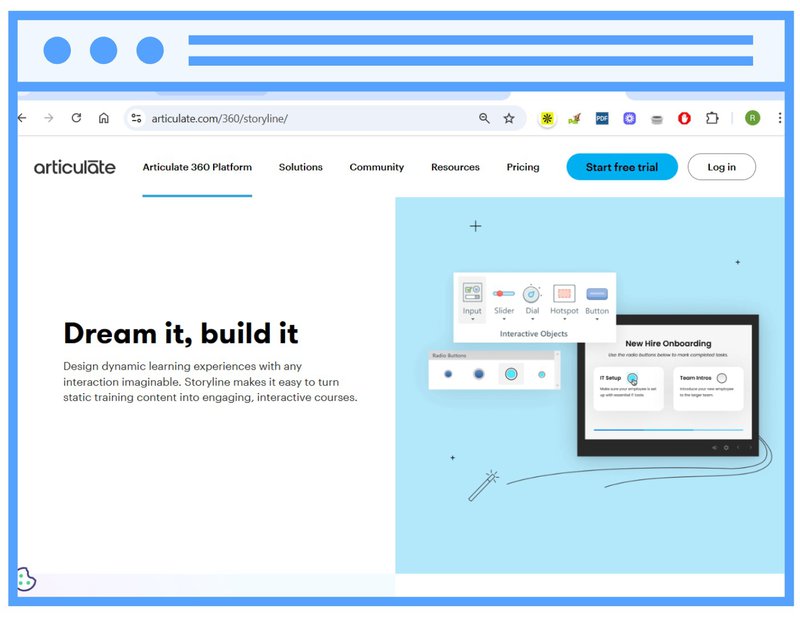
2. Articulate Storyline
Storyline is one of the most powerful authoring tools on the market. It gives authors full control over course design, and it is a strong choice for complex scenarios, custom interactions, and branched learning paths.
That power comes with a steep learning curve. It is built for experienced e-Learning designers who are comfortable with slide layers, triggers, and variables, and getting great results takes time, expertise, and often dedicated resources. You can check out a comparison with FLOWSPARKS here.
Best for: teams building complex, highly customized courses with dedicated development resources.
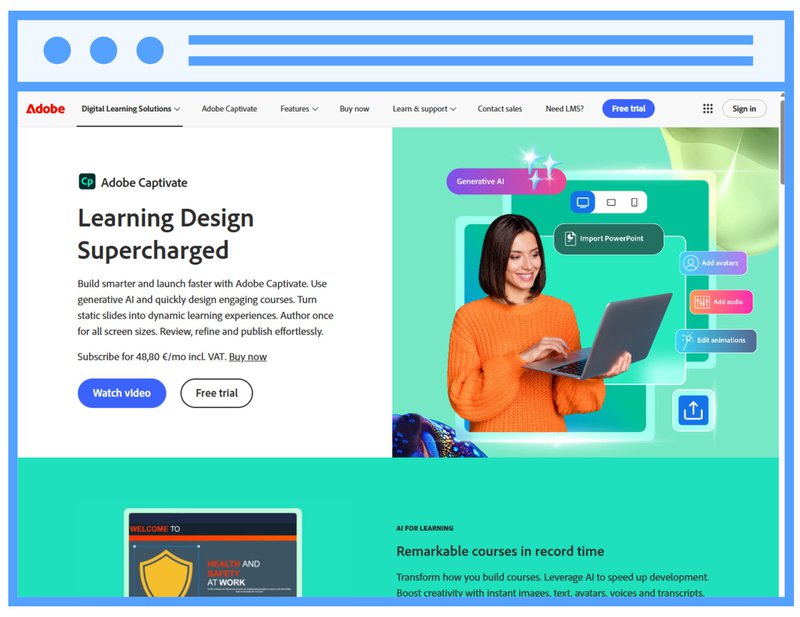
3. Adobe Captivate
Captivate offers extensive features for interactive learning, including simulations, branching, and VR content. It suits developers who want granular control, especially inside the Adobe ecosystem.
However, it can be difficult to learn and maintain, especially at scale, and it is less efficient for multilingual content. For teams that mainly need clean courses produced quickly by non-specialists, it is more tool than the job requires.
Best for: developers building simulation and VR content inside the Adobe stack.
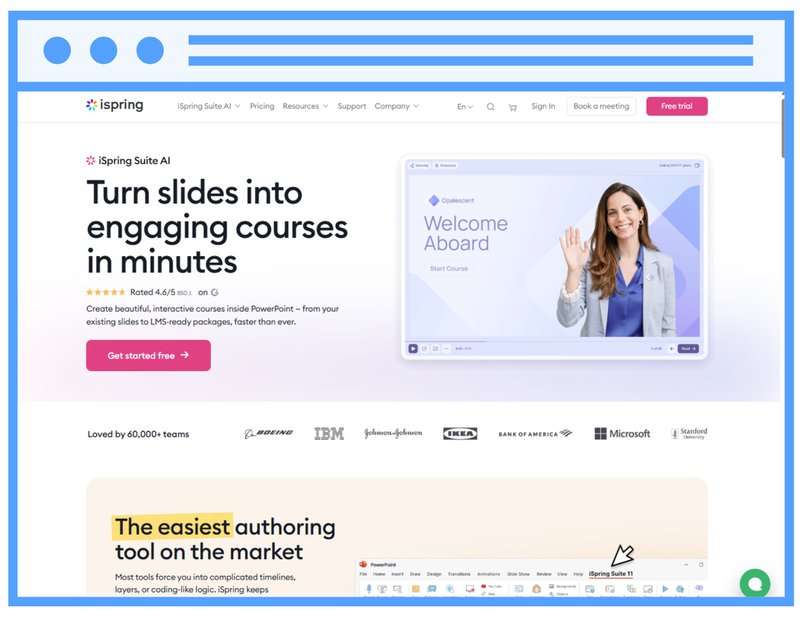
4. iSpring Suite
iSpring integrates with PowerPoint, so you can build courses directly from familiar slides. It is easy for beginners and quick to deploy.
Because it runs inside PowerPoint, you author from slides and the course inherits the PowerPoint way of working. It supports quizzes, role-play simulations, screen recordings, and other interactions, and publishes to SCORM, xAPI, AICC, and cmi5. To update a published course, you re-publish it and upload it to your LMS again.
Best for: teams converting existing PowerPoint decks into straightforward courses.
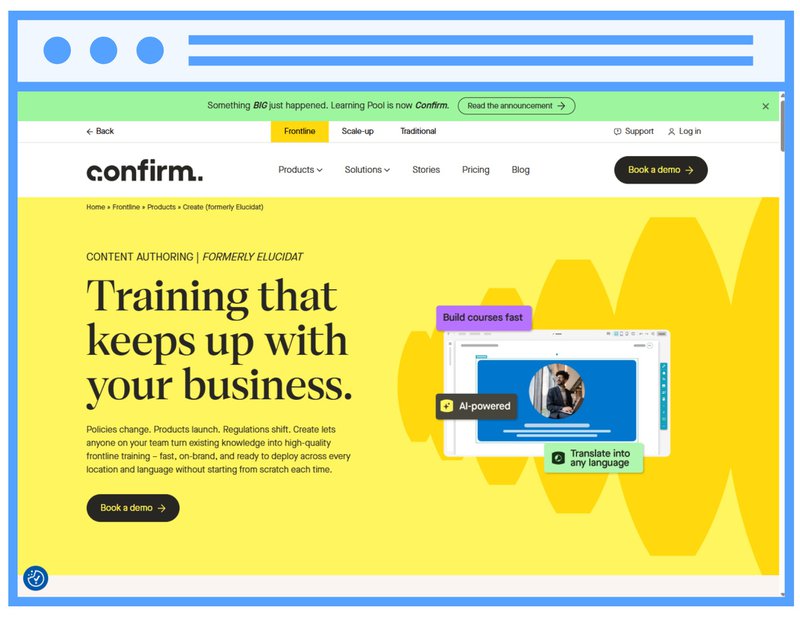
5. Elucidat / Create by Confirm
Elucidat is a cloud-based authoring platform built for large teams and enterprises that produce digital learning at scale. It centers on real-time collaboration and in-platform review, customizable roles and permissions, guided authoring, centralized branding, and translation, so distributed teams can produce and manage large course libraries. Elucidat says teams can build up to four times faster.
Best for: large enterprise learning teams that need collaboration, governance, and brand consistency across a big course library.
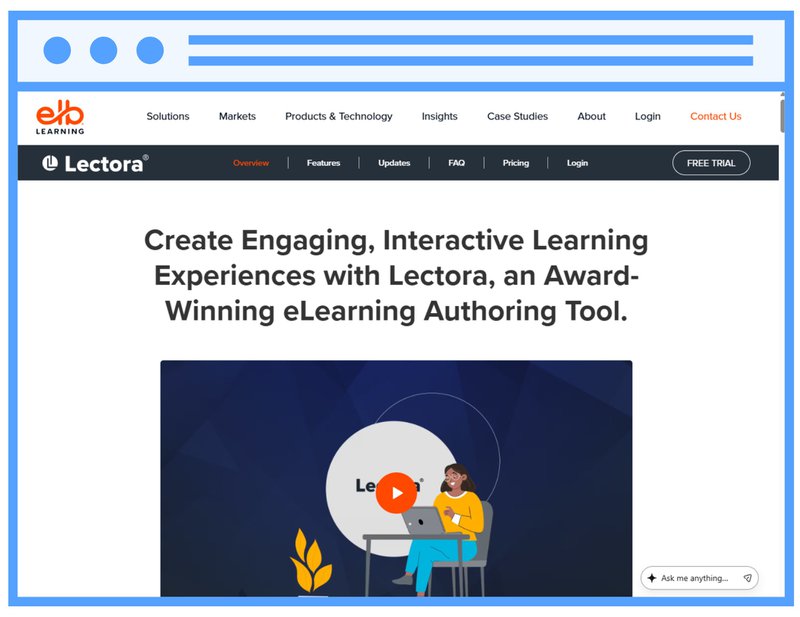
6. Lectora
Lectora is built for organizations that prioritize compliance and structured, standards-driven course development, often in enterprise settings.
Still, its interface and workflows can feel less modern than newer tools, it has a steeper learning curve, and your team handles multilingual versions manually. It is well suited to structured, standards-driven projects.
Best for: organizations with strict compliance requirements and the resources to manage a heavier tool.
7. Easygenerator
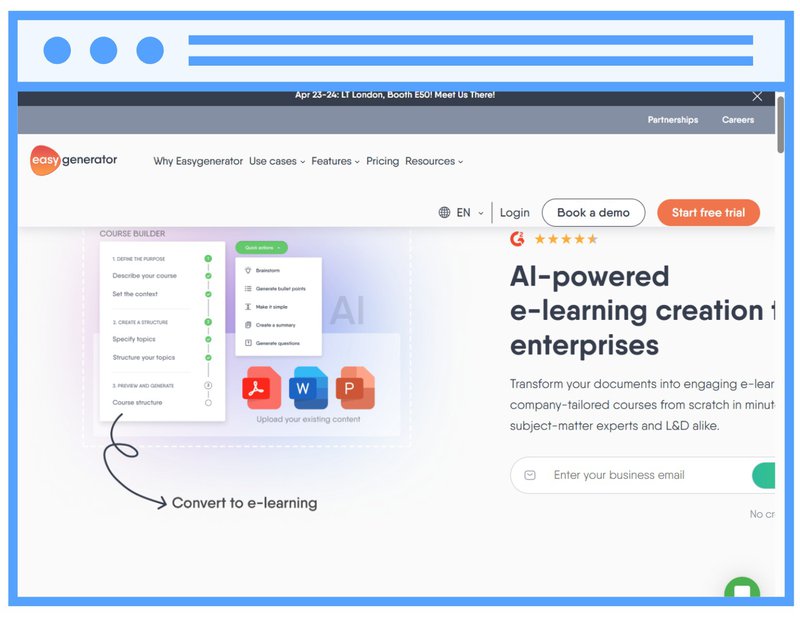
Easygenerator lets subject-matter experts create learning content quickly, without instructional design skills. It is easy to use and cloud-based.
It offers rich interaction types like flip cards, hotspots, and scenarios, plus AI that drafts courses from documents and auto-translates into many languages. The difference is where the instructional design comes from: in Easygenerator the author builds the structure with AI suggestions to guide them, so the didactic quality depends on the author following that guidance. Read more details here: FLOWSPARKS versus Easygenerator.
Best for: anyone in the business who needs to share knowledge fast, from first-time authors to experienced L&D teams.
8. isEazy
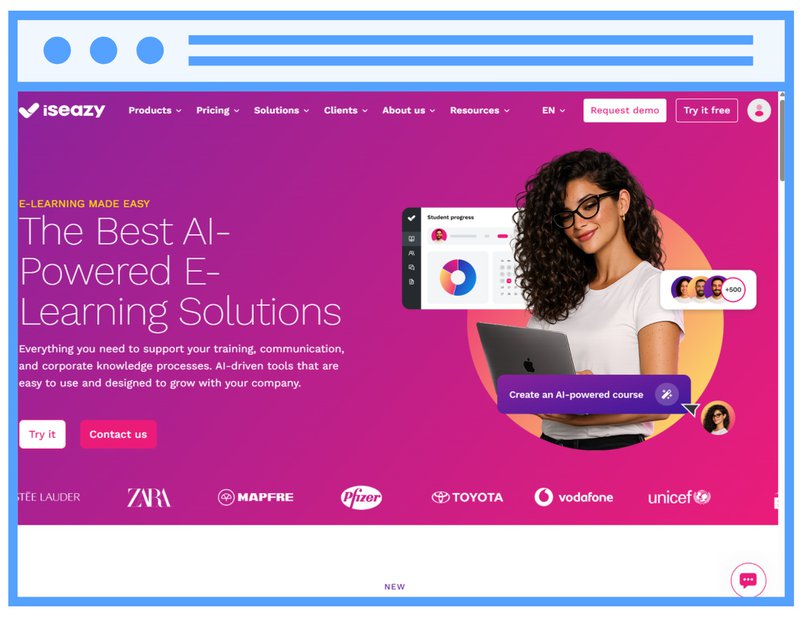
isEazy focuses on fast, visually appealing e-Learning, with a modern interface and ready-to-use, mobile-first layouts.
It works from prebuilt templates and interaction blocks, with gamification and quiz elements, so authors assemble polished courses quickly. That model suits standardized, mobile-friendly content more than custom-scripted branching or deep scenario design.
Best for: teams that prioritize speed and a polished, mobile-first look.
9. Gomo
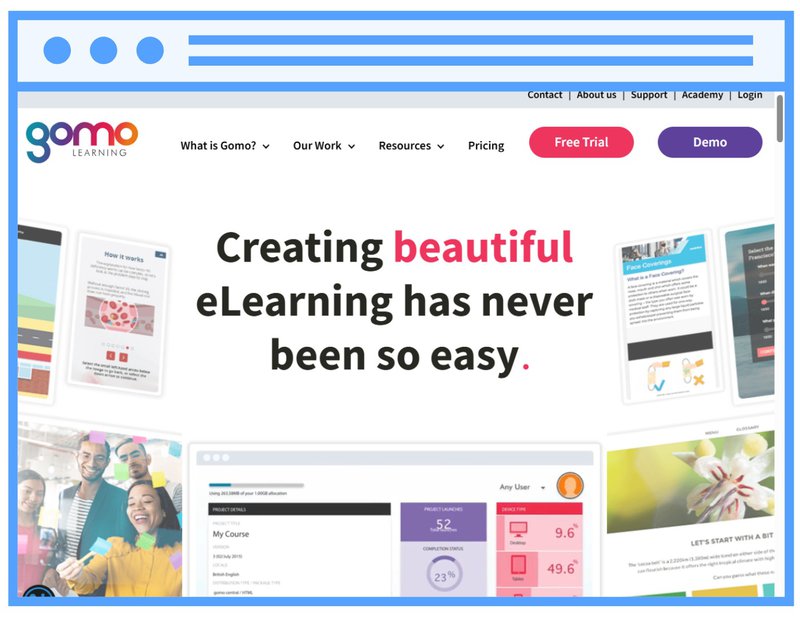
Gomo is built for distributed teams creating responsive learning for mobile devices, with an emphasis on collaboration and content reuse.
It centers on responsive, reusable content blocks that adapt across devices, rather than custom-scripted or highly bespoke designs. It is a solid fit for teams standardizing content across many devices.
Best for: distributed teams delivering responsive content across many devices.
10. Articulate Rise
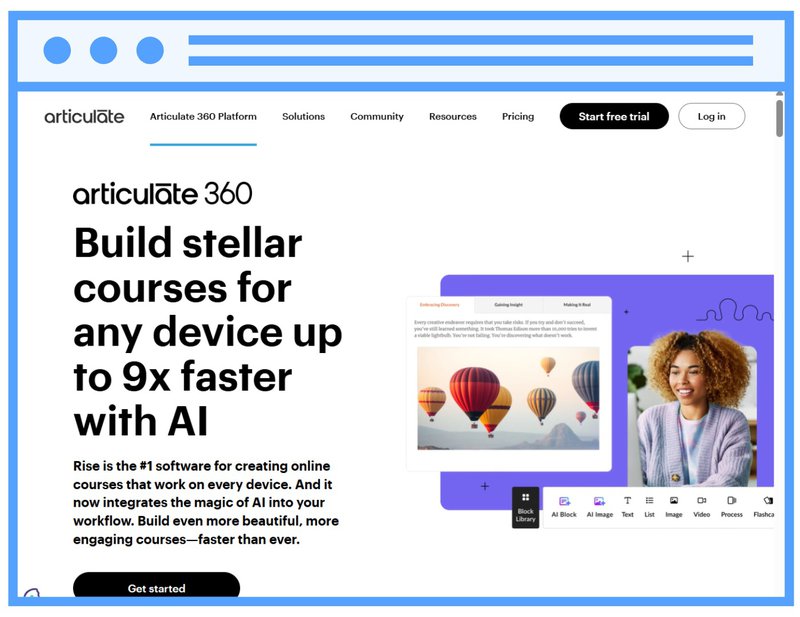
Rise is a lightweight, web-based tool in the Articulate family that prioritizes clean design and responsiveness. It is a fast way to produce good-looking, mobile-optimized content with a minimal learning curve.
In practice, building courses from prebuilt blocks and lessons keeps authoring fast and the output consistently responsive. Rise suits streamlined, template-based courses rather than custom-scripted interactions or branching. Check out the comparison here: FLOWSPARKS versus Articulate Rise.
Best for: teams that want good-looking, responsive courses created quickly.
How to choose the right e-Learning authoring tool for your team
The best e-Learning authoring tool depends on one thing most buyers check last: who is actually going to build your courses. Start there, then match your situation to the guidance below.
If your authors are non-technical subject-matter experts, choose a tool with instructional design built into the templates, so structure is not their problem to solve. This is where a blank-canvas desktop suite hurts you and a template-led tool pays off.
If you need complex branching and simulations, a small number of specialist courses may justify a dedicated developer tool. But map your catalog first: most teams badly overestimate how many of their courses actually need that depth, and a tool built for a handful of complex builds makes everyday authoring slow for everyone else.
If you produce high volumes across many languages, prioritize localization and instant updates. A tool that pushes a saved change live everywhere, with no re-export, saves your team weeks over a year.
If budget is the deciding factor, look past the license price. A tool with a low sticker price can still cost you the most if every content update means manually re-exporting and re-uploading packages, or if your experts need a specialist to build anything at all. In short, training time and maintenance are where the real cost hides.
Where FLOWSPARKS fits
Of all the e-Learning authoring tools on this list, FLOWSPARKS is the one built around a single idea: training should change behavior, and the people who own the knowledge should be able to build it without a technical intermediary. That is where it earns its place at the top.
Carrefour: experts who build their own training
Carrefour is the clearest example. It has nearly 700 stores and more than 18,000 employees. Its subject-matter experts, from butchery to store operations, needed to build their own training. As their L&D lead Johan Wöhr describes in the case, the authoring tool they used, Articulate Storyline, was too complex for teams without technical expertise. With FLOWSPARKS added alongside it, those same experts now build training themselves. As Wöhr puts it: "With FLOWSPARKS, our subject matter experts can create e-Learning that follows a didactic structure without even realizing it." That is instructional design doing the work in the background, so a butcher or a store manager produces sound training without ever having to learn the theory behind it.
Results on the floor, not just the LMS
The results show up on the floor, not just in the LMS. At manufacturer Etex, training co-created by the people who do the work helped cut the scrap rate from 5% to under 1%. The same approach brought a new €10M machine to full efficiency in seven months.
It works even for first-time authors
It even holds for first-time authors. One team built its very first FLOWSPARKS project, a blended medical training program, and won a FLOWSPARKS Award with it on the first attempt. What the jury singled out was not technical wizardry but instructional soundness: clear learning objectives up front, theory alternated with images and video, reflection questions tied to concrete examples, and a survey that measured whether learners actually felt more capable in their jobs, not just whether they enjoyed the course. As FLOWSPARKS success coach Tiffany Backers puts it:
"What stays with me most is that this was their very first project ever. They had no team of instructional designers, just the structure of the tool. And it produced award-winning work right away."
[Draft quote, confirm the exact wording with Tiffany Backers before publishing. Delete this line once approved.]
The pattern across customer cases is consistent: teams stop treating course creation as a specialist bottleneck. They let the people who own the knowledge build the training, without giving up quality or brand control. See how the FLOWSPARKS authoring tool does it, or book a demo.
Frequently asked questions
What is an e-Learning authoring tool?
An e-Learning authoring tool is software for building interactive digital training without code. It produces a course your learning management system can deliver, track, and score, through a standard like SCORM or a live LTI connection. Tools range from simple slide converters to platforms that build full adaptive learning paths.
What is the best e-Learning authoring tool for non-technical authors?
The best tool for non-technical authors is one with instructional design built into its templates, so structure is not something the author has to figure out. FLOWSPARKS is built for exactly this, letting subject-matter experts produce sound courses without a dedicated designer.
Are there free e-Learning authoring tools?
Yes. H5P is the leading free, open-source option with multiple interactive content types, though it does not export SCORM on its own and offers no built-in tracking. Several commercial tools also offer free tiers with limited features. Free tools suit simple content at small scale; most teams upgrade once they need reliable delivery, collaboration, or support.
Do I need an instructional designer to use an authoring tool?
Not necessarily, and the right tool gives you the choice. With instructional design built into the templates, a subject-matter expert can build sound courses alone. But the same structure also supports a collaboration between instructional designers and SMEs, or a dedicated designer working solo. FLOWSPARKS supports all three ways of working, so how you staff course creation is your decision, not the tool's.
How do I choose between e-Learning authoring tools?
Start with who builds your courses and what those courses need. Non-technical authors need built-in structure so they are not solving didactics from scratch. Complex, one-off simulations may call for a specialist tool, but most everyday training does not. High-volume, multilingual programs need strong localization and instant updates. Then confirm the tool delivers in a standard your LMS supports, such as SCORM or LTI, before you commit.
.avif)
Are you looking to step up your digital training efforts
inside your organization?
Schedule a demo and discover how FLOWSPARKS helps create and deliver engaging e-Learning experiences backed by strong instructional design principles in multiple languages without a hassle.
More interesting reads
.avif)
Best learning management systems in 2026: how to choose

Microlearning examples: Small modules, better knowledge retention